
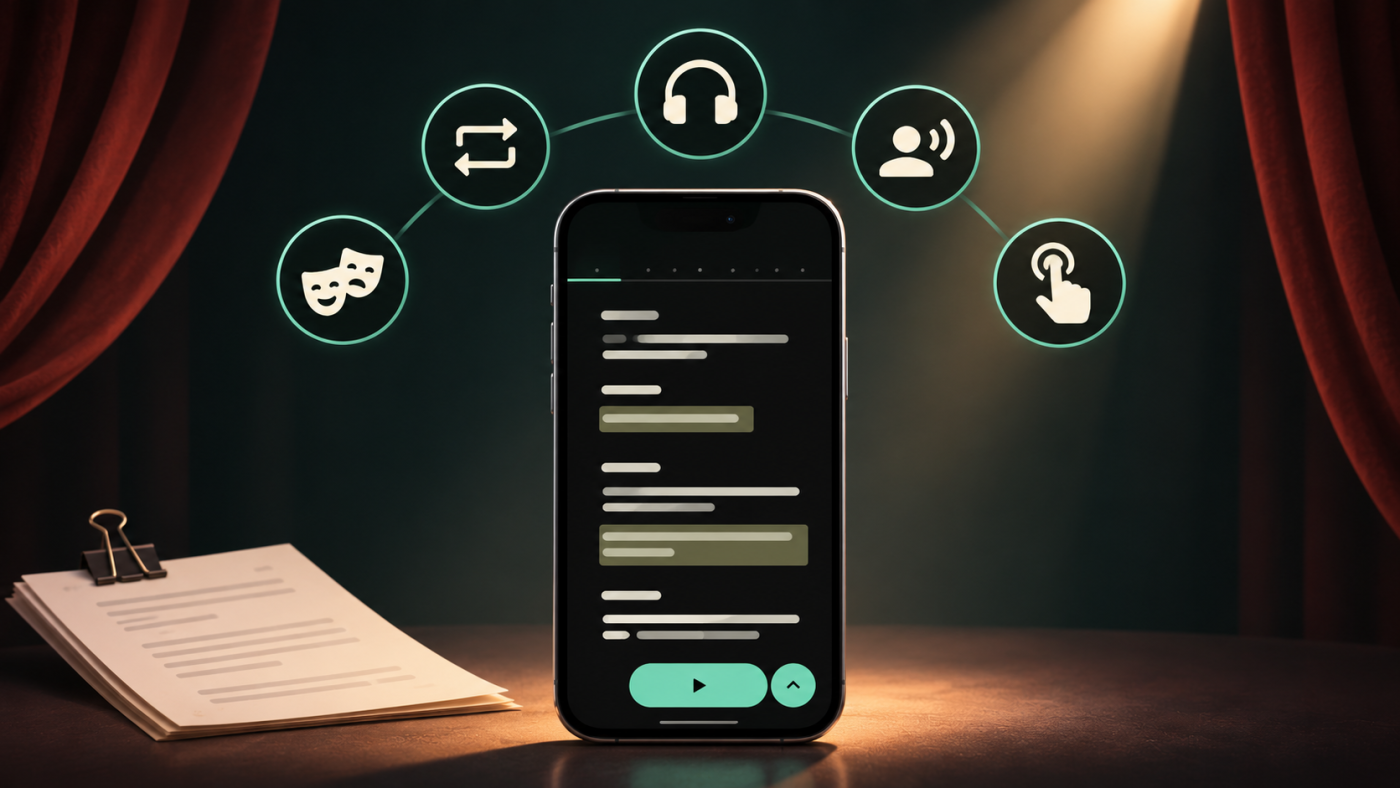
The app that gives the line 🧞♂️
Learn your plays in no time with Imparato, the app that makes actors rehearse where, when and how they want.
Discover Imparato
🎭 Imparato
Until now, rehearsing with Imparato meant one thing: doing a line run. The app fed you your cues, you said your lines, and so on until the end of the scene. It's effective, and it remains the core of what we do.
But a rehearsal is more than just that.
There's that three-page passage you systematically mess up and want to practice on a loop. There's the car ride where you just want to listen to the play. There's the evening when you want to hear your own lines, and only yours, to make sure they're fully memorized. And then there's the rehearsal at the theater with a missing actor whose lines need to be triggered manually.
Every situation calls for a different way to rehearse. That's the whole point of version 4.6.0 of the Imparato app: the Rehearse button now opens a menu of five modes.
While reading your text, the Rehearse button is accompanied by a small arrow. Tapping this arrow expands the list:
One thing applies to all of them, and it's important: where you launch the mode determines where it begins. Place yourself on line 55 before opening the menu, and everything will start from line 55. It's the easiest way to work on a specific passage without scrolling through the entire play.
Let's review them.
This is the classic rehearsal, the one you already know. The app runs through the text, plays the cues, and pauses at your lines to give you time to say them out loud.
The flow can happen in two ways:
The manual mode is precious during the first few days when you're still searching for the words. The automatic mode becomes more interesting later: it puts you in the real rhythm of the scene and doesn't forgive any memory gaps.
In every role, there's always a spot that just won't stick. A long monologue where the second half vanishes as soon as you close the script. A series of short lines where you keep getting the order wrong. A sequence with a partner where you're always a beat too late.
Every actor knows the remedy: go over it. Again. And again.
The Looping line run automates exactly that:
You don't have to touch anything until it's perfect. To exit, just tap the "end rehearsal" button as usual.
Of all the new modes, this is the one that changes solo practice the most. A loop of eight lines repeated fifteen times in a row does a job that no amount of reading can match.
In this mode, Imparato doesn't wait for you anymore. Every line from every character is read — including yours — from wherever you launched the mode until the end of the text.
No pauses, no silences to fill: you just listen.
This is the mode for useful downtime. The commute, doing chores, an evening walk, the ten minutes before falling asleep. You aren't "learning" your lines per se, but you're soaking in the play: your role's place in the whole, the tone of scenes you aren't in, the transitions, the breathing room.
It's also the mode to recommend to a director who wants to hear a whole act again, or to an actor discovering a play before the first run-through.
The exact opposite of a line run: this time, only the lines for the role(s) you've selected are read. Everything else is skipped.
You hear your role from one end to the other, stripped of everyone else's dialogue.
This is a memorization tool and a great "hole" detector: when you hear your lines alone, you immediately spot the passage you'd be unable to recite. It's also a way to hear the consistency of a character — their vocabulary, their tics, the way they evolve from one scene to another — something the fragmented reading of a line run rarely reveals.
👉 Note: if you are playing multiple roles, all your lines are read in the order of the text.
The simplest mode to describe, and probably the cleverest.
You tap a line, you hear it. Nothing follows. The app waits for your next tap.
What is it for? Two very concrete, "on-stage" things:
Triggering sound effects during a rehearsal. Your text contains sounds — a door, a storm, a phone ringing. In rehearsal with your partners, you want these sounds at the right moment, not an automatic sequence that talks over the actors. The line by line mode turns your phone into a pocket sound booth: you trigger the sound effect at the exact instant it needs to happen.
Replacing a missing actor. Someone's missing from rehearsal? You play normally with those present, and you manually trigger the lines of the missing person as they come up. The scene keeps its rhythm, and nobody has to read someone else's lines in a flat, monotone voice.
| Your situation | The mode |
|---|---|
| Working on a scene normally, alone | 🎭 Line run |
| A specific passage won't stick | 🔁 Looping line run |
| Listening to the play in the car or walking | 🎧 Full listen |
| Checking if your role is memorized | 🗣 Only my lines |
| Rehearsal at the theater: sound effects, missing actor | 👆 Line by line |
These five modes are available starting with version 4.6.0 of the Imparato mobile app. If the menu doesn't appear under your Rehearse button, a search for an update is waiting for you in your app store.
And there's no pressure to change everything: the line run is still right there at the top of the list, exactly as before. The other four are there for the days when that's not enough.
Happy rehearsing! 🎭
Learn your plays in no time with Imparato, the app that makes actors rehearse where, when and how they want.
Discover Imparato
Discover the best text memorization techniques.
Read the article